Projects / Client work
RMA Command Center
The phone app for an AI-assisted back office at a cooling and climate engineering company.
- Client
- RMA Services Group
- Year
- 2026
- Role
- Research, design, development
- Platforms
- iOS and Android
Why a phone app
The assistant did the preparation. The people who had to approve it were on a roof, not at a desk.
Before
A browser dashboard with no notifications. Staying up to date meant keeping a tab open.
The ask
Stay up to date wherever the work is, and keep company information within reach.
The result
One tap from a notification to a decision. Nothing leaves the company without a person saying yes.
A day with it
From the morning briefing to the last approval.
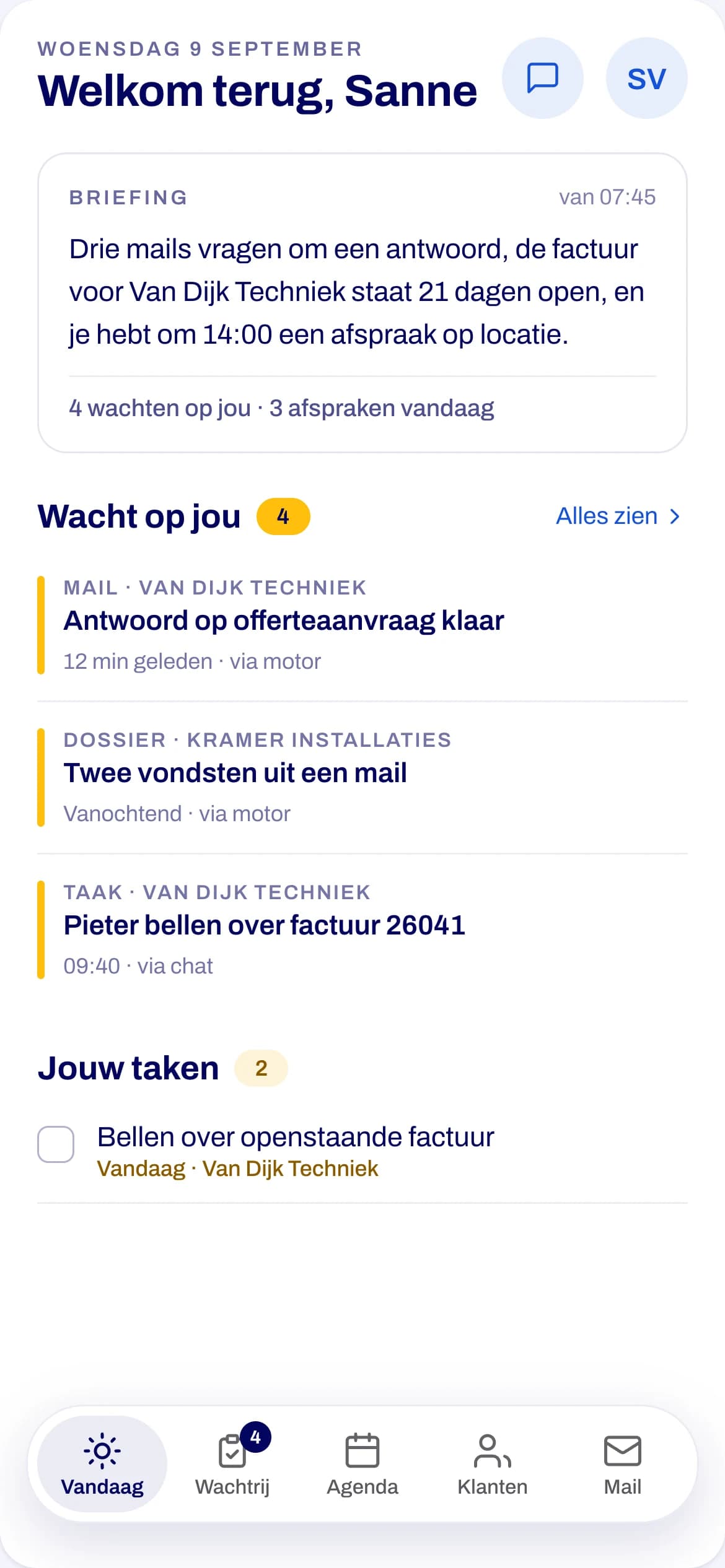
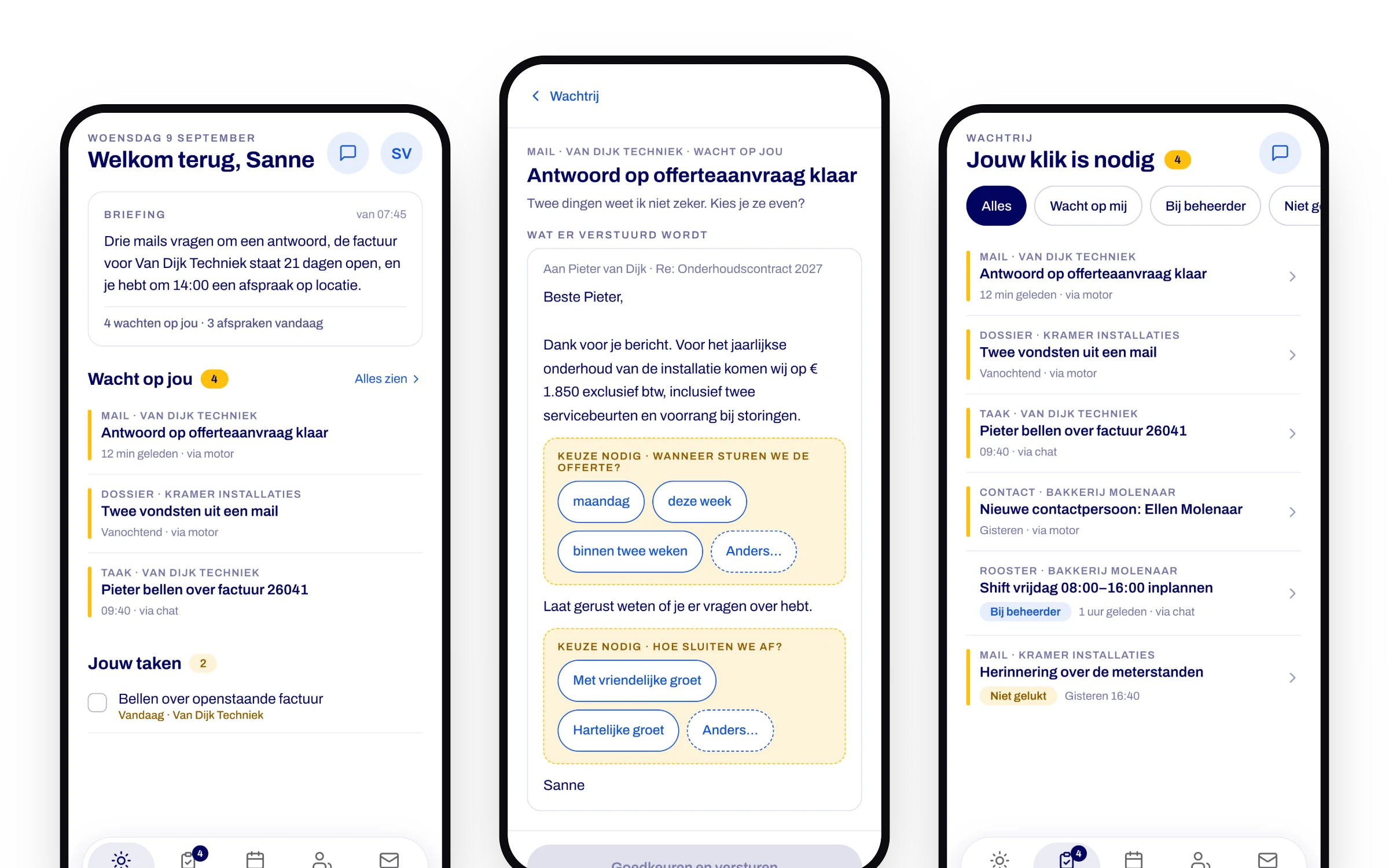
07:45 · Vandaag
Start with a briefing
What happened overnight, what waits on you, and where you need to be.
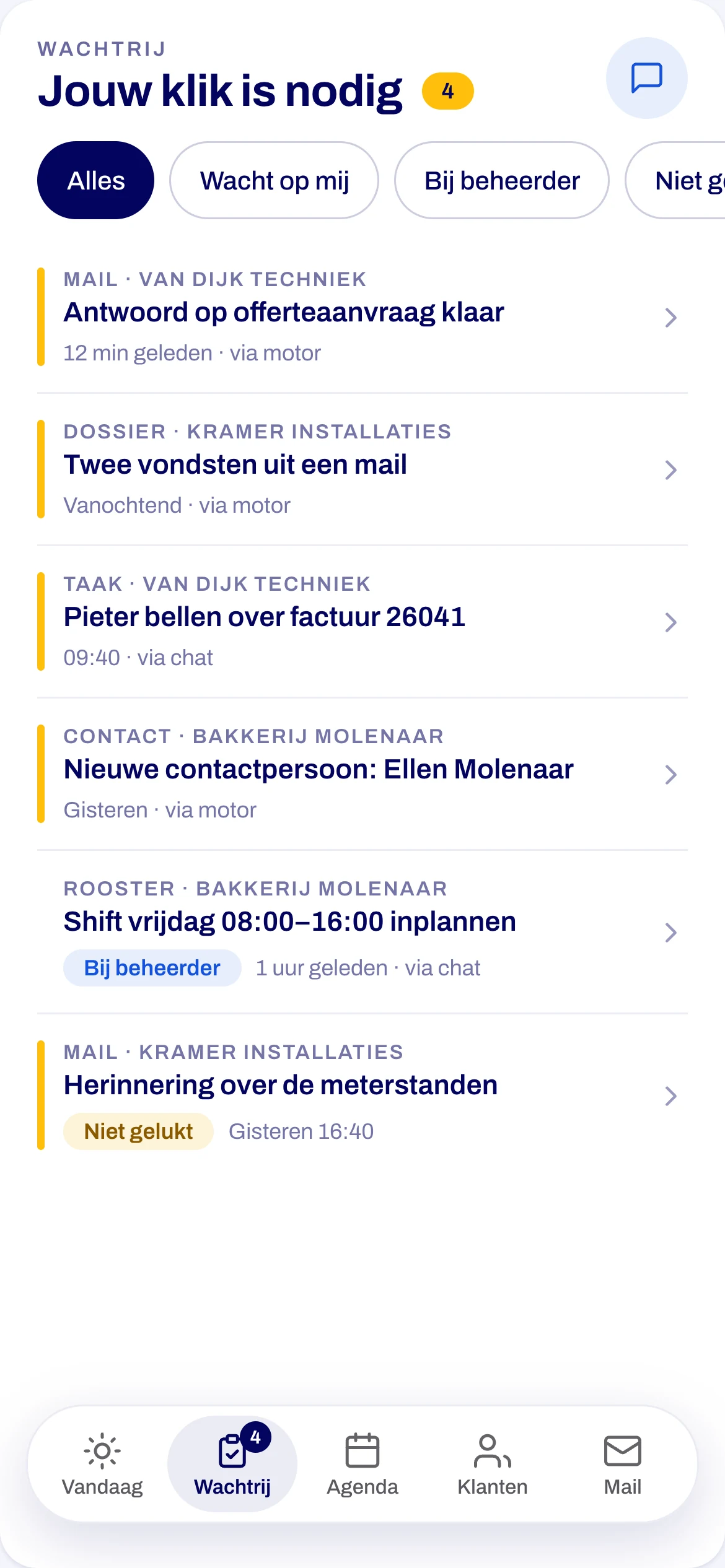
09:10 · Wachtrij
See what needs you
Everything the assistant prepared waits in one queue: replies, tasks and roster changes.
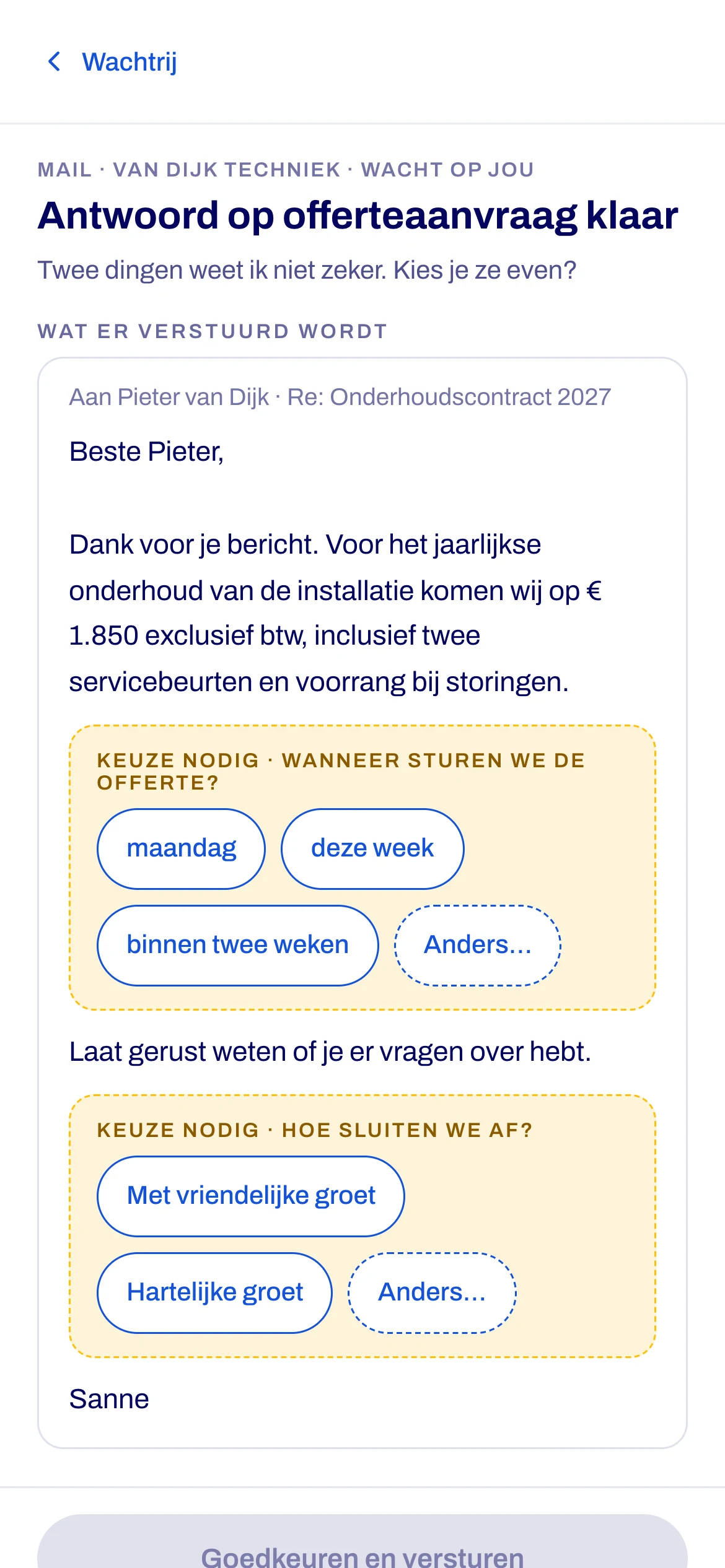
09:12 · Keuzekaart
Decide in two taps
Open choices are yours to make. Sending stays locked until you have.
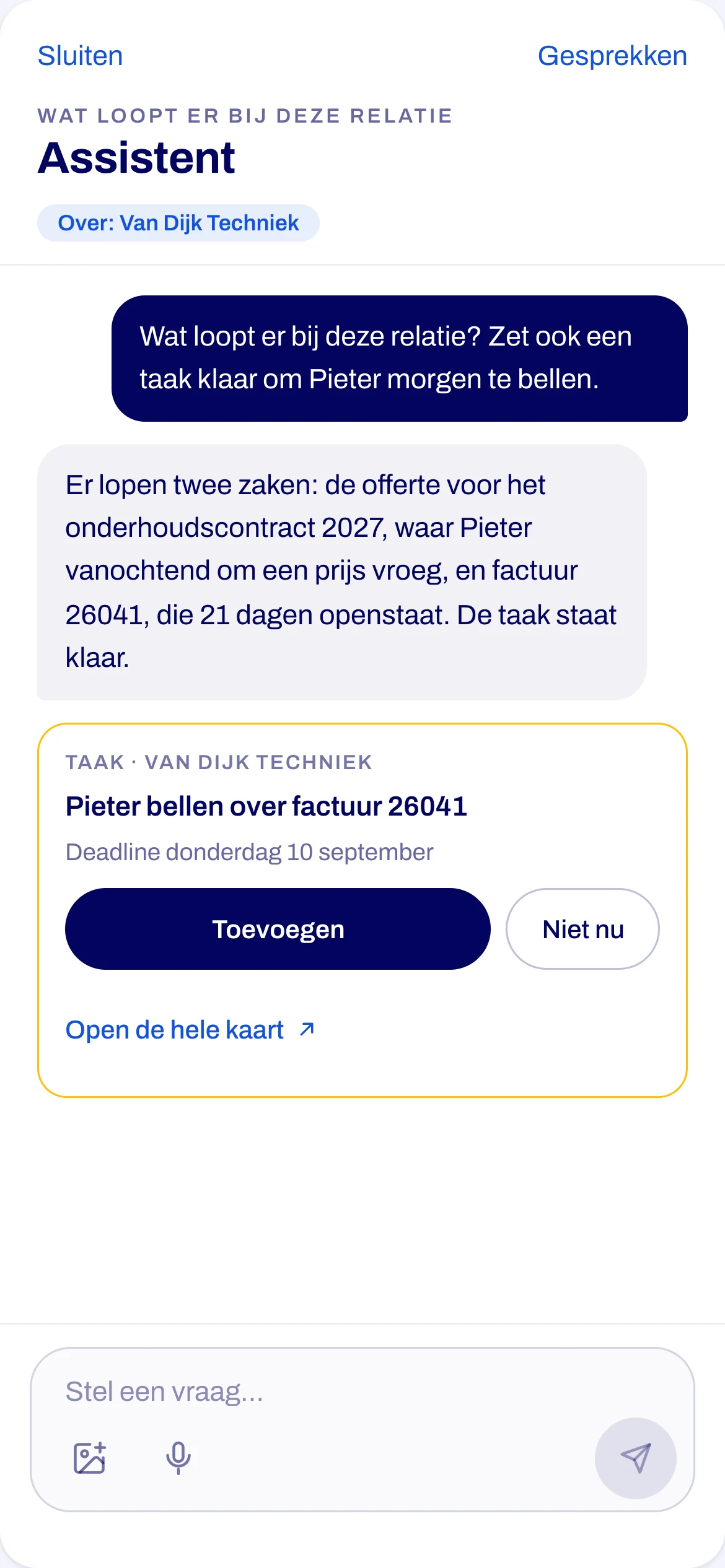
14:00 · Assistent
Ask on location
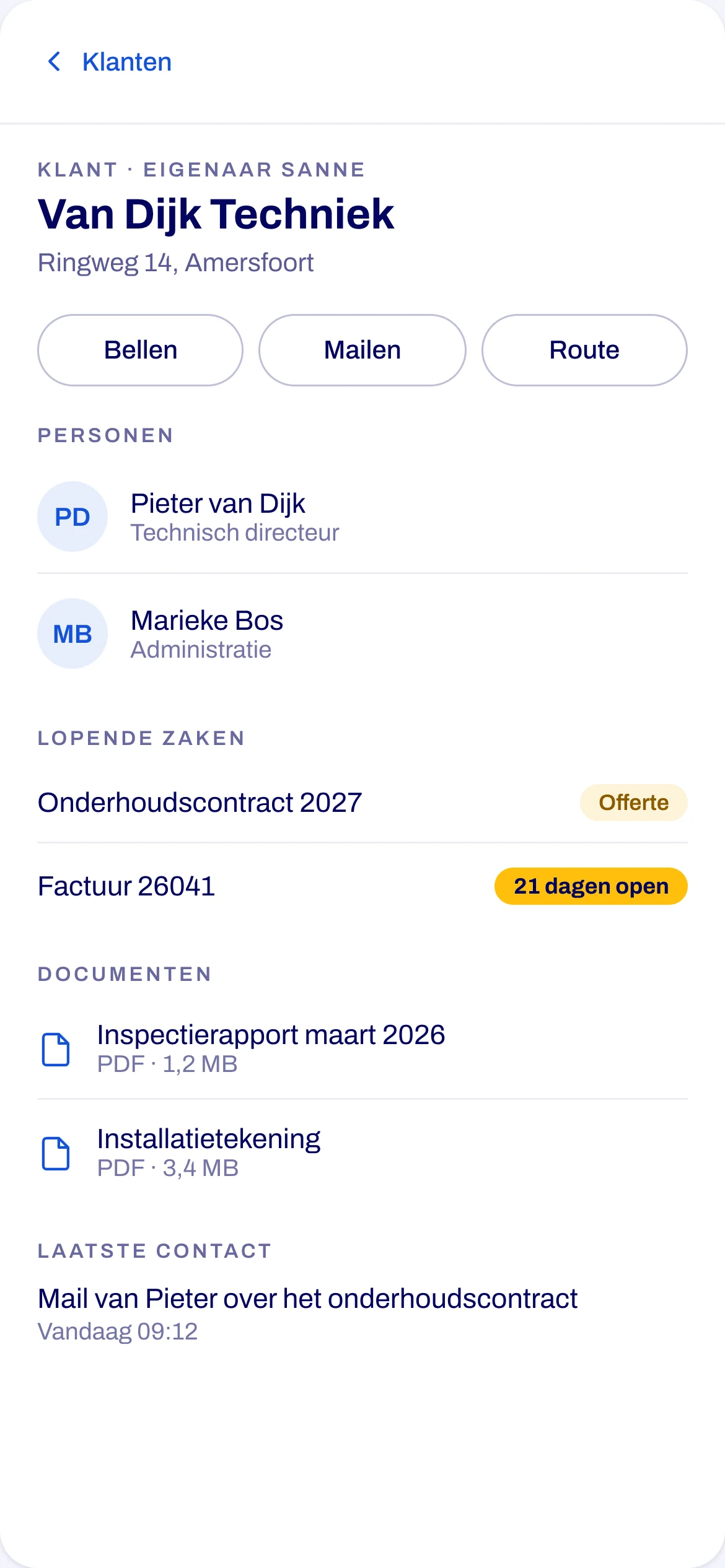
Ask about a customer by voice or by text, and the assistant answers from their file.
Push that matters
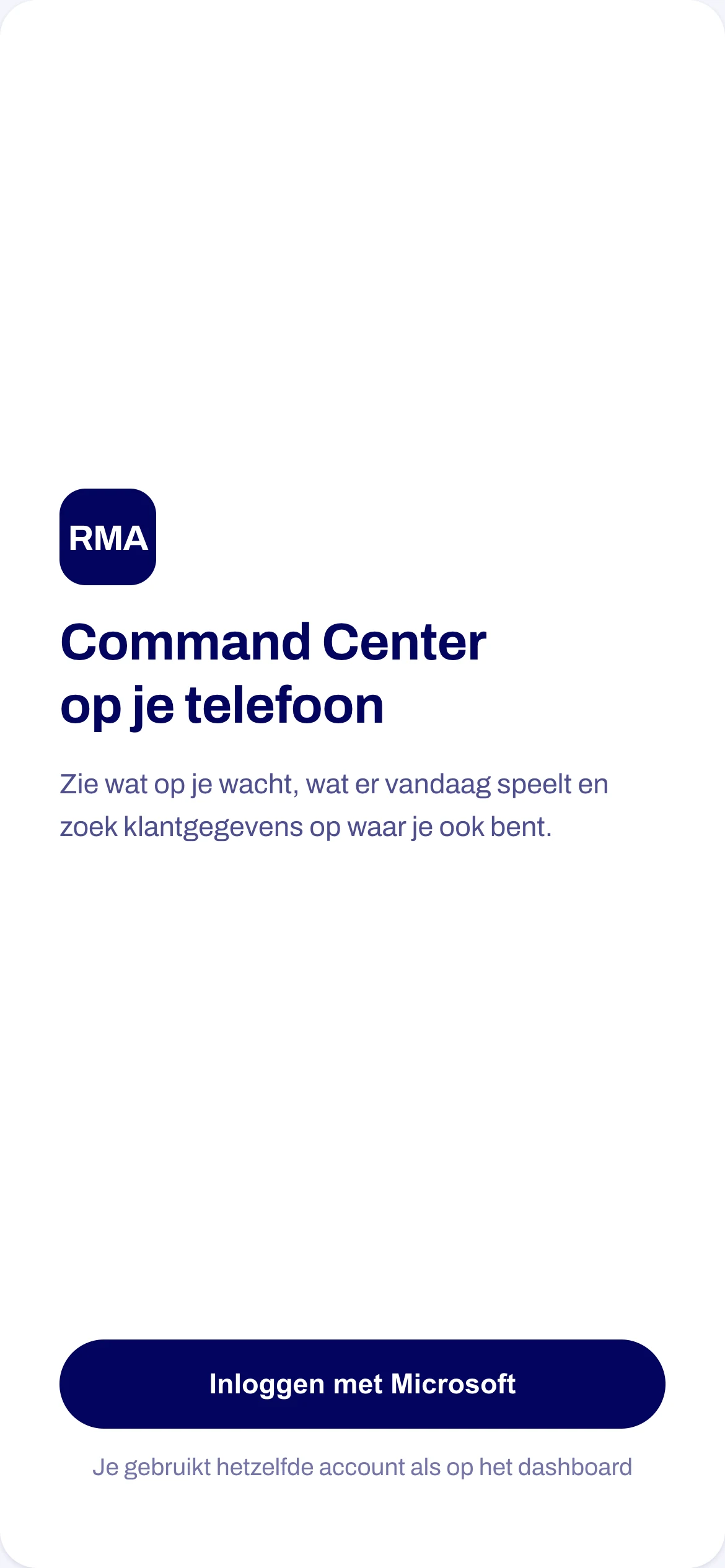
Push arrives only during working hours, and only for what you chose to hear about.
Face ID and PIN
You sign in once with the company account, then unlock with a glance.
Nothing stays behind
Customer files are there to read, and none of them stay on the phone.
Dutch and English
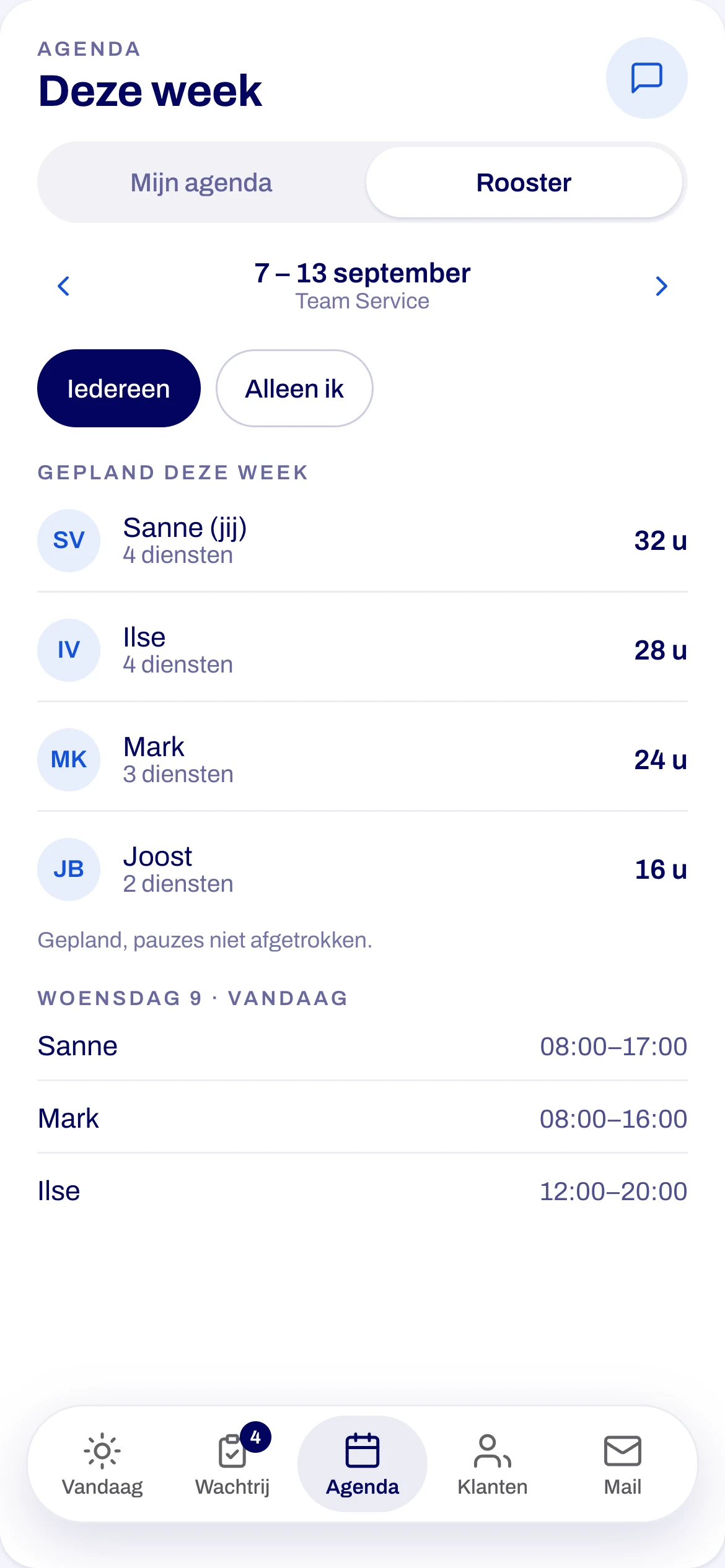
It speaks both, and every screen has large touch targets and an accessibility check.
Built with
One codebase, two app stores.
- React Native
- Expo
- TypeScript
- TanStack Query
- Swift
- FastAPI
- PostgreSQL
- Microsoft Entra ID
- Native push (APNs and FCM)
- Single sign-on
- Biometric unlock
- Offline-aware caching
- Voice dictation
- Background worker
1
week from first screen to client approval
5
tabs: today, queue, agenda, customers, mail
403
automated tests
Design
Designed for one thumb and a bad connection.
Canvas before code
I drew every screen and every state first: loading, empty, offline and failed.
The house style, carried over
The dashboard's navy, blue and amber. I checked every pair against each other automatically.
Honest about what it knows
Stale numbers carry their time. Unknown places say unknown instead of guessing.
From the design canvas, with made-up names and companies. The app itself shows real customer data.